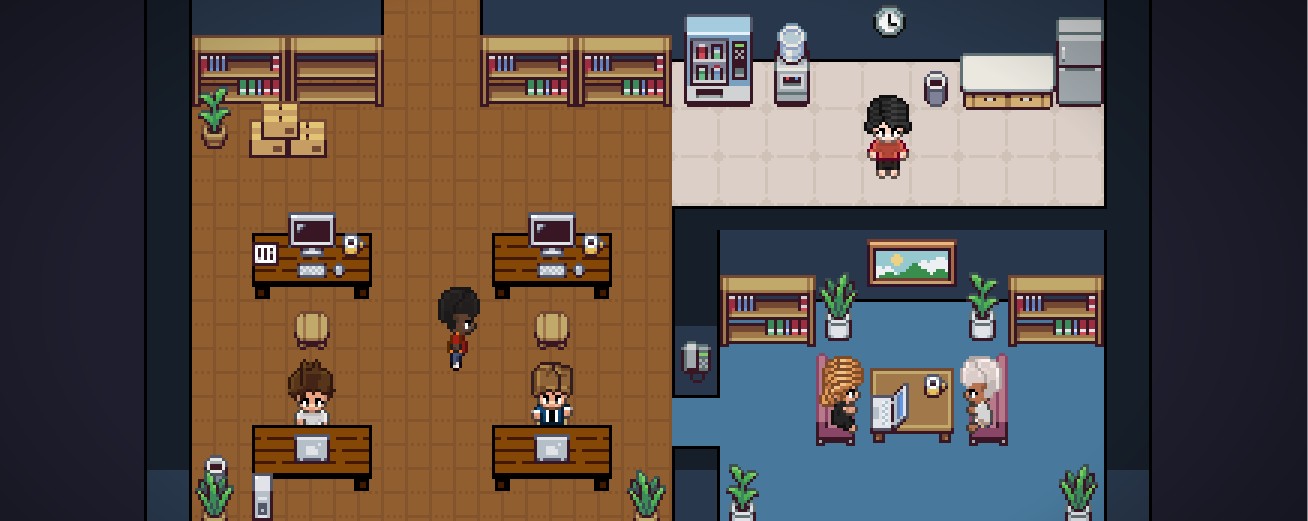
Agent World turns your OpenClaw sessions into a real-time pixel art control room. See every agent. Know every state.
# Install the plugin
openclaw plugins install @spicyclaws/openclaw-agentworld
# Enable it
openclaw plugins enable openclaw-agentworld
# Restart the gateway
openclaw gateway restart
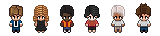
6 diverse agents included
Everything you need to observe and manage your AI agent fleet.
Three commands. No config files. Production-ready in 30 seconds.
Automatically tracks your active session. No more wrong-session bugs.
See connection status at a glance. Mismatch warnings with one-click switch.
Deduped, reliable agent mirroring. No phantom duplicates.
Watch agents type, read, and execute — animated live in pixel art.
Task tool sub-agents spawn as linked characters. See the full chain.
Three commands. That's it.
# Install the pluginopenclaw plugins install @spicyclaws/openclaw-agentworld
# Enable it
openclaw plugins enable openclaw-agentworld
# Restart the gateway
openclaw gateway restart
Your agents are now visible.
Three quick checks to confirm everything is running.
openclaw plugins listopenclaw gateway statusNavigate to Control UI → AgentWorld tab
Quick fixes for the most common problems.
openclaw gateway restart after enabling the plugin. Then verify the plugin is
active with openclaw plugins list — it should show openclaw-agentworld as
enabled.
openclaw gateway restart to clear the state. If duplicates persist, check that you don't have
multiple gateway instances running.
openclaw gateway status to verify the gateway is running. Check your network connection
to the gateway host. If running locally, ensure the gateway process hasn't crashed — restart it with
openclaw gateway restart.
Yes. MIT licensed, fully open source. No paid tiers, no feature gating.
Zero. Agent World is purely observational — it watches agent activity, never interferes with execution.
Full layout editor included — floors, walls, furniture, colors. Export and share layouts as JSON.
Yes. Task tool sub-agents spawn as linked characters with visual parent connections and shared palettes.
Layout and seat assignments persist in your OpenClaw instance. No external dependencies or cloud sync.
The VS Code extension works standalone. This plugin is specifically for OpenClaw gateway integration.